Stationery & Finances
Stationery Lists
Our stationery lists ensure that KHS students have everything they need for effective learning throughout the year. Parents/Caregivers don’t need to purchase any textbooks; these are provided by KHS free of charge for students to use during the school year.
Our school stationery supplier is OfficeMax; however, parents/caregivers may purchase general school stationery from any retailer of their choice. Student workbooks are available online from Office Max. Please check the listed ISBN number to make sure you purchase the correct workbook.
Financial Overview
All New Zealand residents between the ages of 5 and 18 years are legally entitled to free enrolment and free education. KHS does not have any compulsory school fees. However, we welcome donations from the community, including parents/caregivers and community-based trusts.
KHS aims to deliver educational courses over and above that which is funded by the Ministry, however parental contribution for the costs of trips and activities where participation is optional, and/or components not covered by the Government grant may be requested, and we appreciate the financial support our families make to the School.
Such donations enhance the educational opportunities the School can provide, contributing to the fulfilment of the strategic goals of student achievement and preparation for life in a positive learning environment.
Donations can be claimed annually as a tax credit using the Inland Revenue Department form IR526.
If you would like to purchase the School Yearbook, we request that this be paid for by 1st September each year. This is to ensure that we know how many to print for end-of-year distribution.
Introducing Kindo to KHS – our online school shop that is open 24/7 for orders & payments!
We are simplifying student transactions at our school with the help of Kindo. It offers convenient payment options online for fees or donations, fundraisers, permission forms, registrations and more. Use one family account to manage multiple students.
Our Kindo shop makes it easy for you to make full or part payments on your child’s school account.
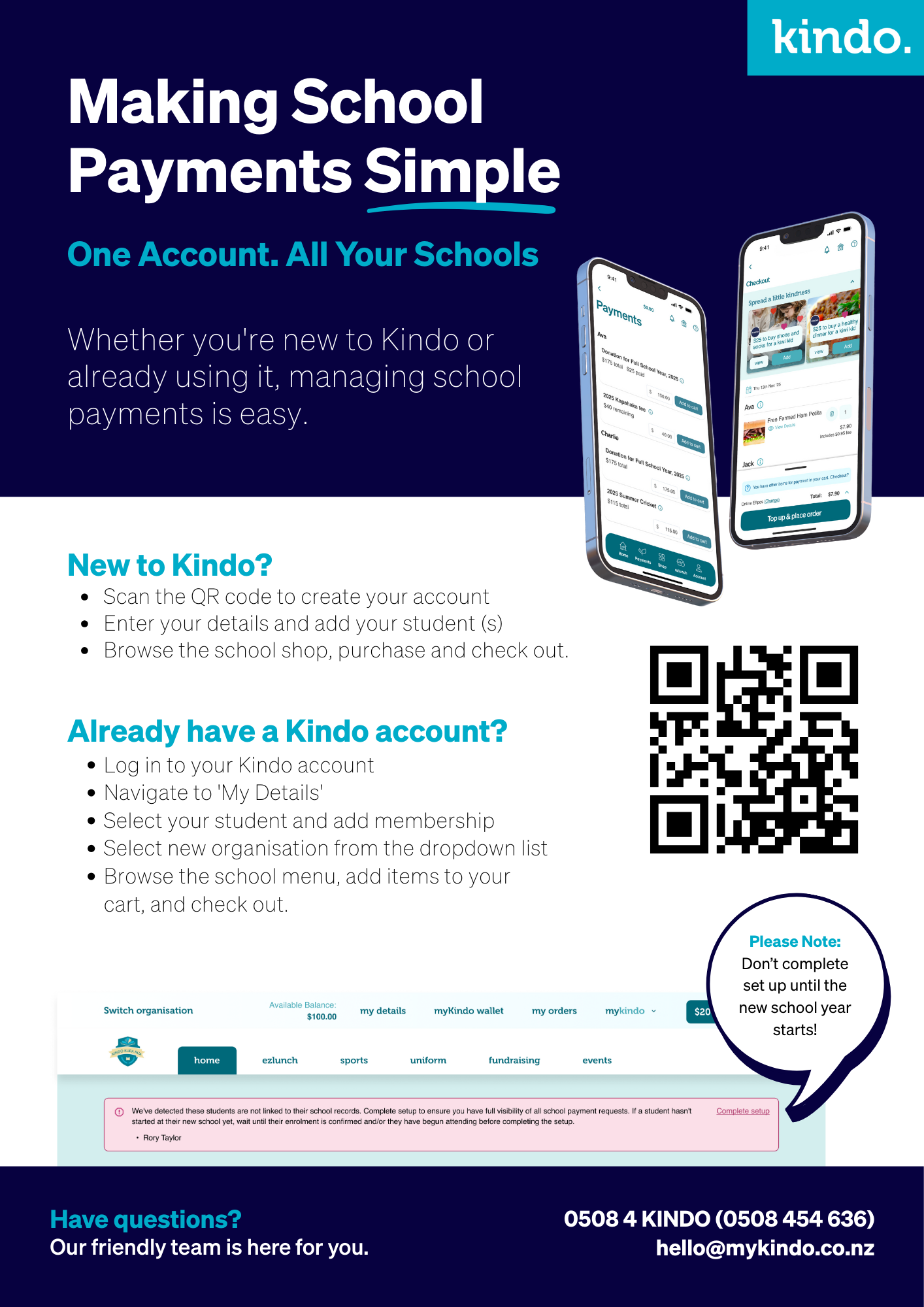
New to Kindo?
Kindo is easy to set up and use. Create a new Kindo Account for Kaiapoi High School
- Use the ‘create account’ option, to set up an account.
- Depending on the school setup, you will either enter in the email address the school has on file for you, and your students will automatically be added.
- Or you will add in your details as account holder, and your students’ details as members to the account.
Already a Kindo user?
If you have used ‘Kindo’ or ‘Ezlunch’ at another school you can log in to your existing account and update your details.
- Log in to myKindo.co.nz.
- Select the ‘My Details’ page and add a new student to your account or edit an existing students’ details.
- A student can belong to two or more schools or organisations. Just select ‘add membership’ to the student and select our school from the dropdown list.